Dawnwalker Together - 2 Player Split-Screen Co-op
A downloadable game
DAWNWALKER TOGETHER
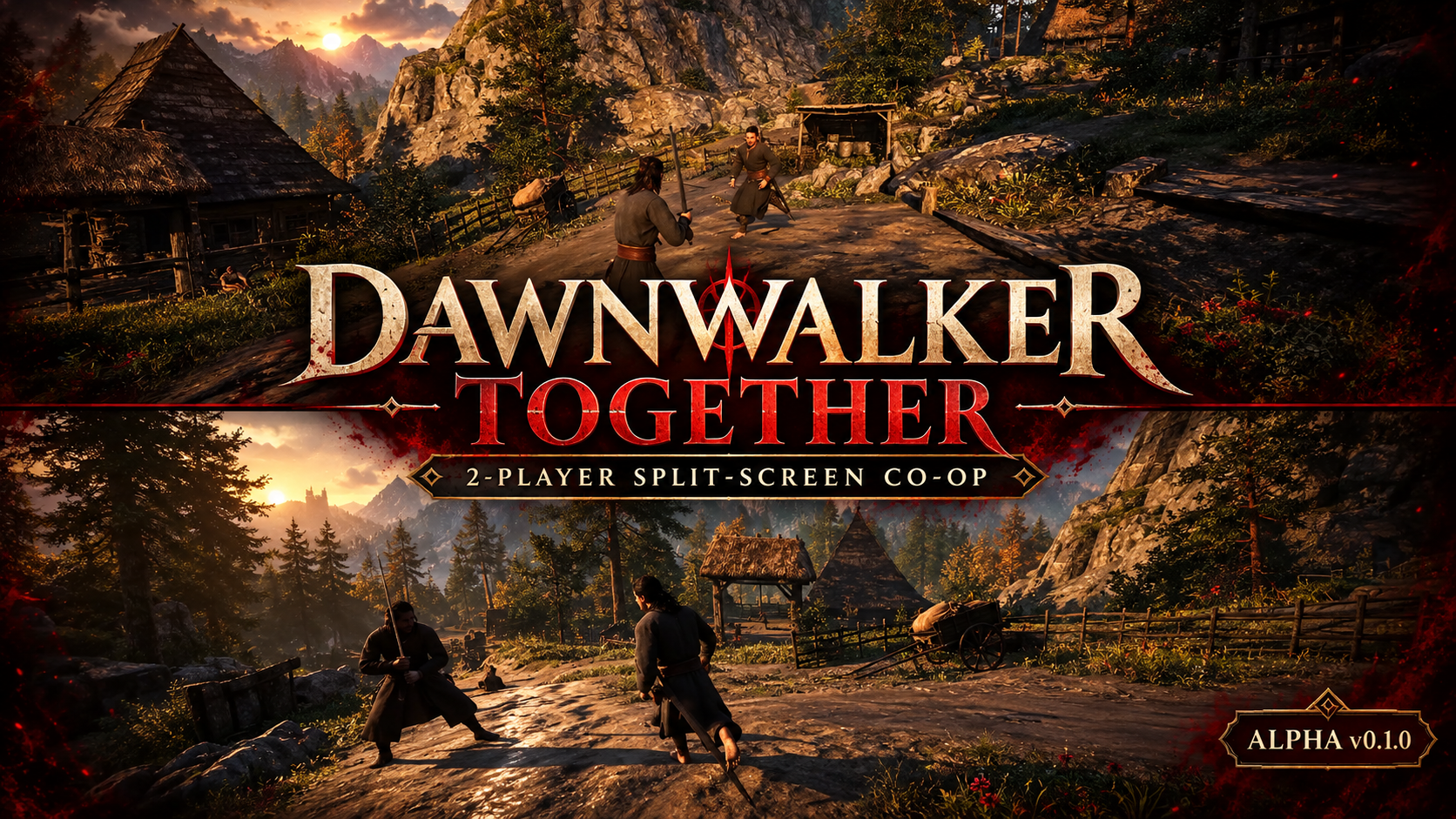
Experimental 2-Player Local Split-Screen Co-op
ALPHA v0.1.0
Share one screen. Explore Vale Sangora together.
Dawnwalker Together is an early experimental mod that adds a second local player and horizontal split-screen to The Blood of Dawnwalker. Player 1 uses keyboard and mouse, while Player 2 uses the first connected XInput gamepad.
IMPORTANT: EARLY ALPHA
This is local co-op, not online multiplayer. The original game was designed for one player, so quests, story scenes, menus, saves and many combat systems still assume Player 1 exists. Back up your saves before testing.
CURRENT FEATURES
- Two local players in horizontal split-screen
- Keyboard and mouse stay assigned to Player 1
- First connected gamepad controls Player 2
- Safe Player 2 spawn beside Player 1
- Independent movement, camera and jumping
- Player 2 inherits Player 1 clothing
- Visible longsword for Player 2
- Experimental RB melee combo with animation and damage
- Experimental enemy alert/aggression handoff after Player 2 attacks
- Safe removal and recovery tools
REQUIREMENTS
- The Blood of Dawnwalker on Windows
- Compatible UE4SS installation
- Keyboard and mouse for Player 1
- One XInput-compatible controller for Player 2
INSTALLATION
- Install UE4SS for The Blood of Dawnwalker.
- Extract the archive into
Dawnwalker\\Binaries\\Win64\\ue4ss\\Mods. - Confirm
Dawnwalker\\Binaries\\Win64\\ue4ss\\Mods\\DawnwalkerTogether\\Scripts\\main.luaexists. - Connect the Player 2 controller before starting the game.
- Launch the game and load a normal gameplay save.
HOW TO PLAY
- Ctrl + Y — create Player 2 and enable split-screen
- Controller RB — Player 2 experimental sword attack
- Ctrl + U — safely remove Player 2
- Ctrl + F7 — move Player 2 beside Player 1
- Ctrl + F8 — recover/reconfigure Player 2 controller input
- Ctrl + F9 — retry Player 2 appearance/equipment initialization
After loading or restarting from a save, Player 2 may be removed to protect Player 1 control. Press Ctrl + Y again after normal gameplay resumes.
KNOWN LIMITATIONS
- Local split-screen only; no network multiplayer.
- Quests, dialogue, cutscenes and progression belong to Player 1.
- Player 2 has no fully independent native inventory or ability system yet.
- Combat is experimental and is not a complete copy of Player 1 combat.
- Enemy reactions to Player 2 may be inconsistent.
- Menus, cutscenes, fast travel, death and save loading can remove or desynchronize Player 2.
- Some scripted sequences may not support split-screen correctly.
BUG REPORTS
Include what you were doing, the key/button pressed, whether Player 2 existed, and relevant lines from Dawnwalker\\Binaries\\Win64\\ue4ss\\UE4SS.log.
LINKS
Nexus Mods — Dawnwalker Together
If you would like the project to keep growing, follow the updates and support continued development on Patreon.
Support Second Player on Patreon
Unofficial community project; not affiliated with the game's developers or publisher.
Download