True Target Lock — Universal Input Lock v1.0.0
A downloadable game
TRUE TARGET LOCK — UNIVERSAL INPUT LOCK v1.0.0
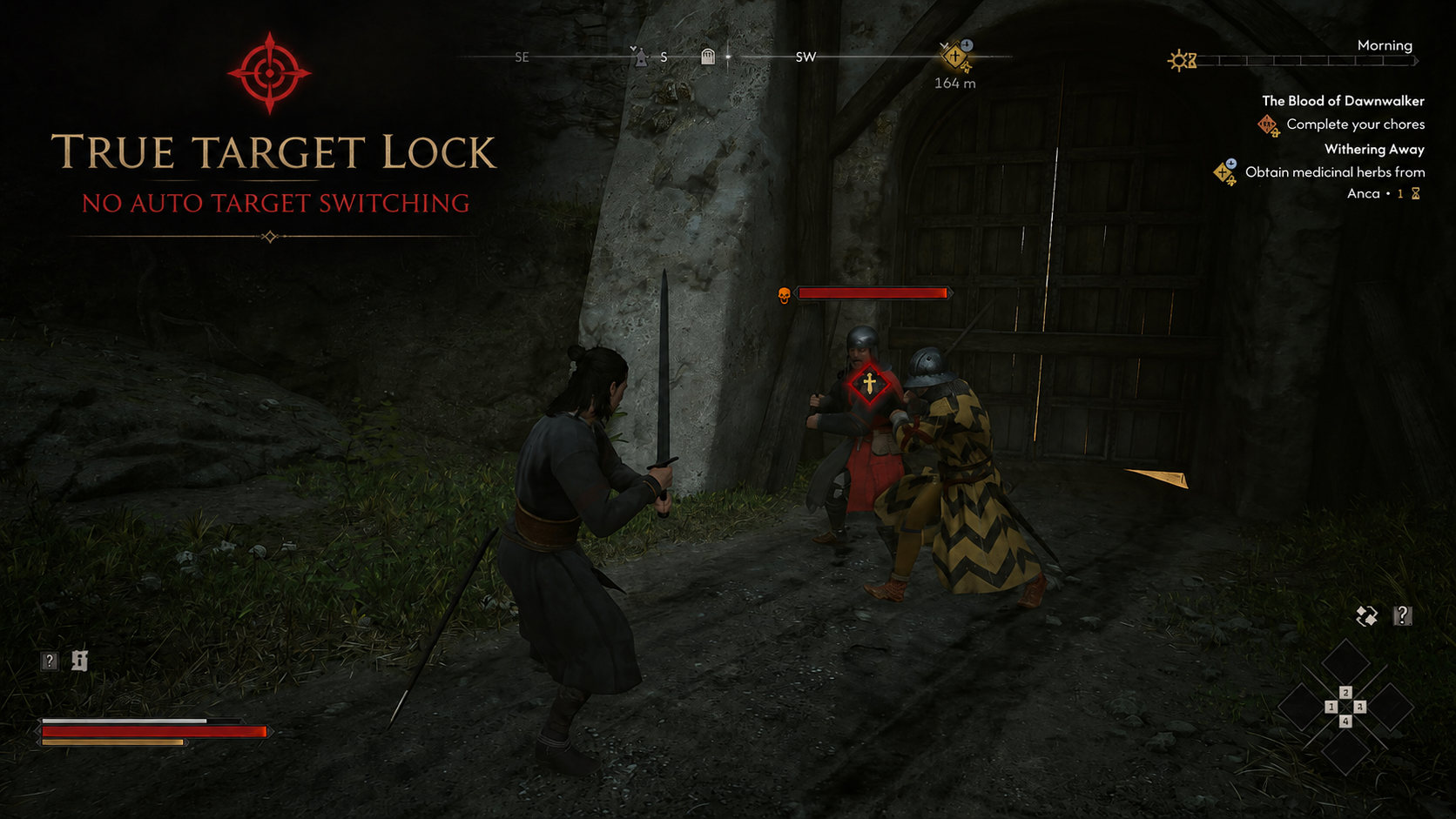
Keep the enemy you chose.
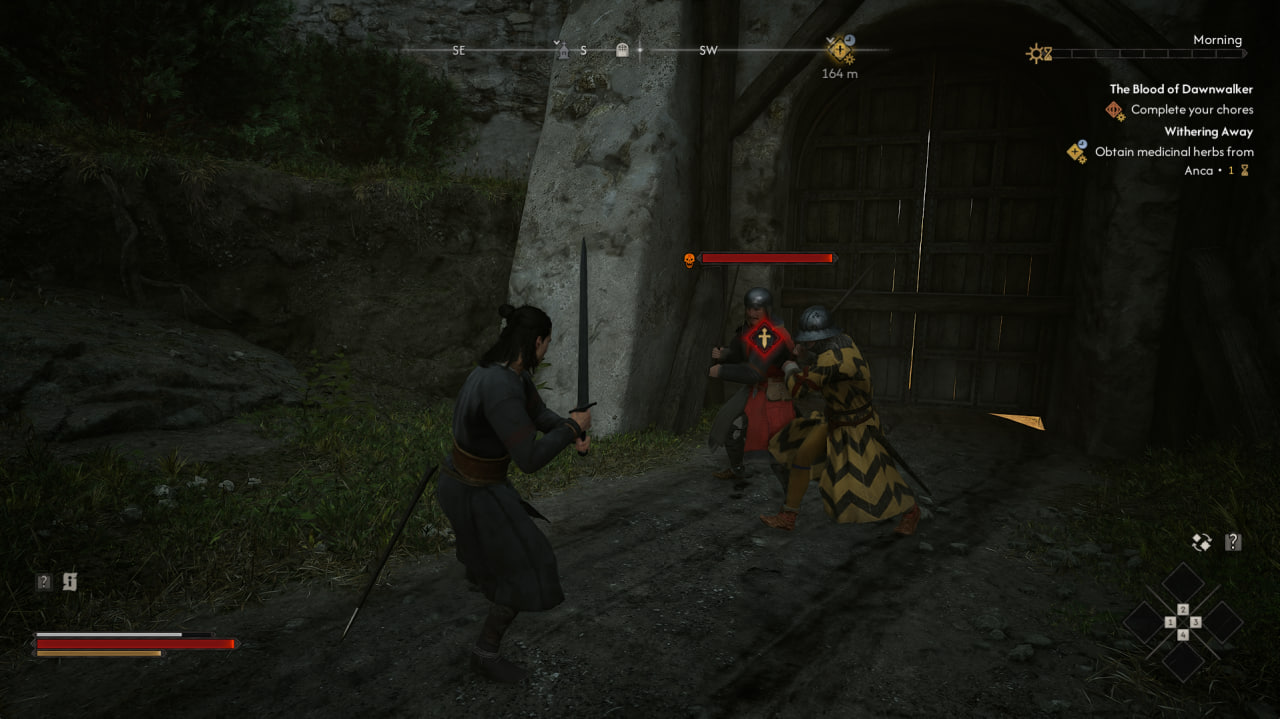
True Target Lock is a lightweight UE4SS Lua mod for The Blood of Dawnwalker. It prevents unwanted target switching while hard lock is active, so you can keep your chosen enemy selected while freely controlling the camera.
WHAT IT DOES
- Keeps the current hard-locked enemy selected
- Works with mouse, keyboard, and controller input
- Makes multi-enemy encounters more predictable
- Does not change attacks, blocks, initial target selection, combat exit, or target-death handling
HOW TO SWITCH TARGETS
Release hard lock, select another enemy using the game's normal target controls (mouse, keyboard, or right stick), then lock again.
TESTED ON
GOG Patch 2 — dw1-pc-gog-257186-shipping-patch2-all-CL-257186
UE4SS v3.0.1-1111-g97b7e501
Steam compatibility is community-confirmed.
DOWNLOAD
Nexus Mods: True Target Lock on Nexus Mods
COMMUNITY
Discord: discord.gg/7S7CfzbXkh
SUPPORT
Patreon: patreon.com/cw/Second_Player
SOURCE
GitHub: github.com/Fitchers/TrueTargetLock
The mod is free to download. Please share feedback from your game build.
Download
Install instructions
1. Install UE4SS for The Blood of Dawnwalker.
2. Extract the archive and copy the TrueTargetLock folder to your game's ue4ss/Mods/ folder.
3. Open ue4ss/Mods/mods.txt and add:
TrueTargetLock : 1
4. Restart the game. If UE4SS hot reload is enabled, press Ctrl+R to reload the mod without restarting.
UNINSTALL
Remove TrueTargetLock : 1 from ue4ss/Mods/mods.txt, then delete the ue4ss/Mods/TrueTargetLock folder.
Leave a comment
Log in with itch.io to leave a comment.